
Latest Version
1.1
August 06, 2024
Land the Space Shuttle
Games
iOS
1.4 GB
0
$4.99
Report a Problem
More About F-Sim|Space Shuttle 2
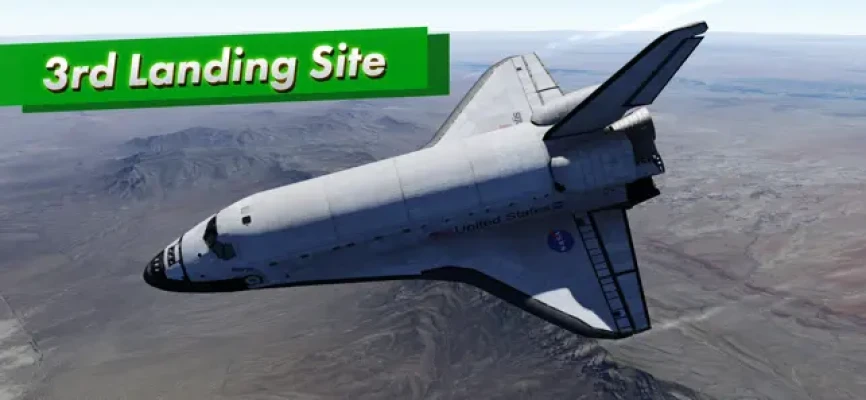
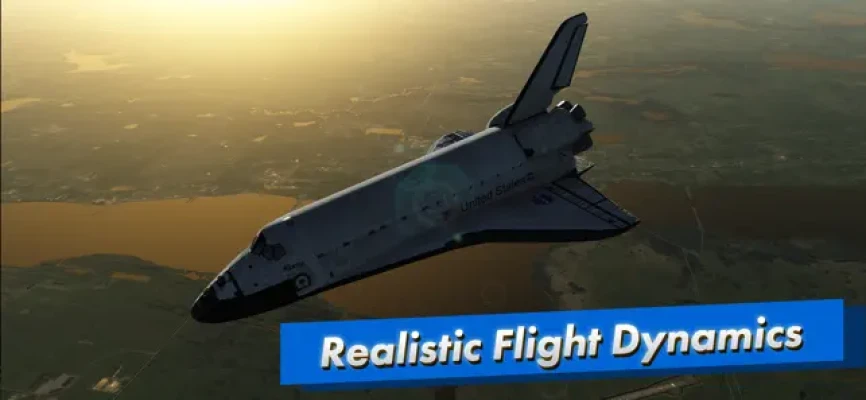
This application is a highly anticipated successor to a popular flight simulator. It focuses on simulating the approach and landing of the Space Shuttle with incredible detail and accuracy. The app is a remastered version of the original F-Sim Space Shuttle, which has been completely rewritten from scratch. It boasts new features such as console quality graphics, interactive tutorials, a third landing site option, and an orbit mode.
F-Sim Space Shuttle offers a unique combination of realistic flight simulation, stunning graphics, and enjoyable gameplay. Even if you have never landed a Space Shuttle before, the app has you covered with various tutorials and autopilot assist options. After each landing, the app provides analysis and scoring to help you improve for your next attempt. This feature encourages users to keep coming back and trying again.
The flight experience begins at either 10,000 feet, already aligned with the runway, or at up to 50,000 feet before banking into the heading alignment cone. As the Orbiter descends, it becomes an unpowered glider, giving users only one chance to get the landing right. Due to its weight and low lift over drag ratio, the approach is six times steeper and two times faster than a typical airliner approach. The app also offers various challenges, such as different wind conditions, night approaches, and emergency scenarios or system failures. Users can also watch a replay of their flight from different camera angles.
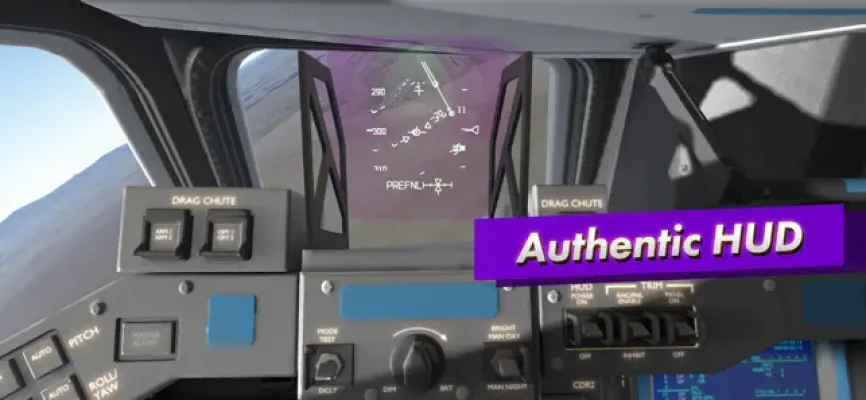
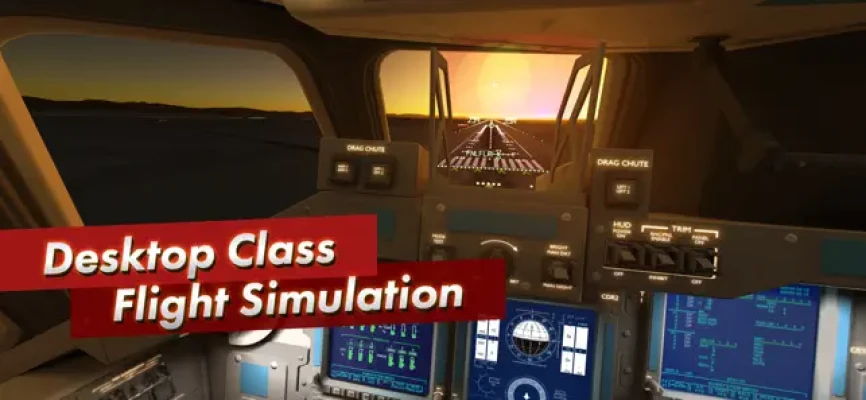
The app offers multiple control options, including tilting the device to control the Orbiter's pitch and roll axes, using on-screen analog sticks, or using a gamepad. The autopilot usually handles the rudder, speed brake, gear, and chute, but users can also have full manual control. For beginners, there are visual aids in the form of rectangles that guide the desired approach path. Advanced pilots can turn off these aids and rely on the instruments in the head-up display (HUD) instead. The app also features authentic replications of the guidance, navigation, and control systems of the real Orbiter, as well as the HUD instruments used by Space Shuttle commanders.
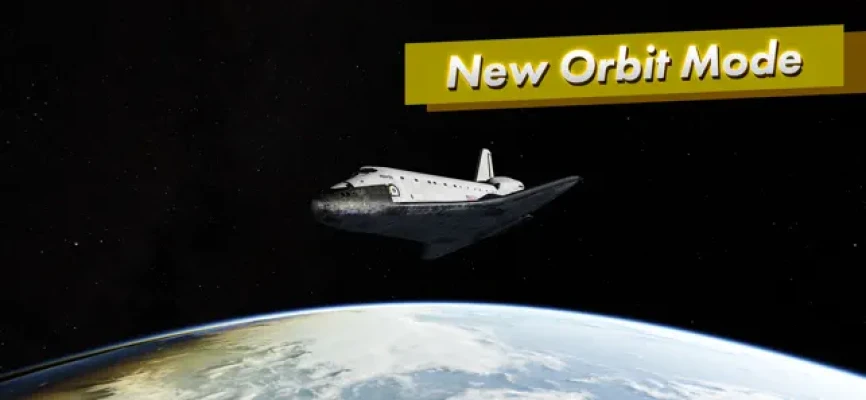
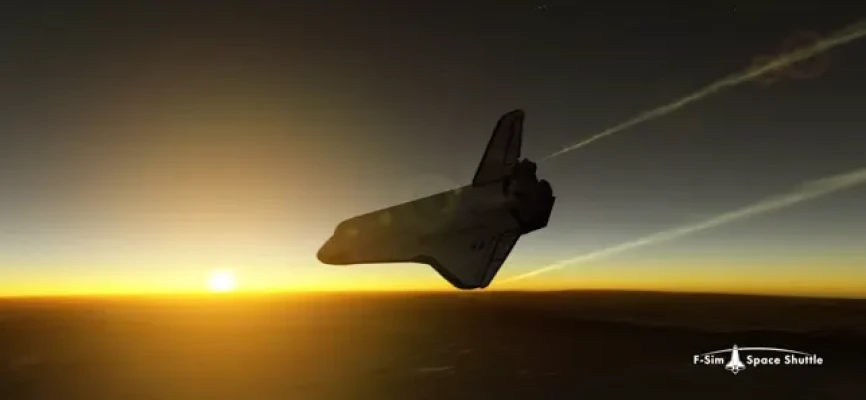
In addition to the approach and landing simulation, the app also offers an orbit mode where users can take the Orbiter for a spin around the planet. The developers are also working on a full atmospheric re-entry scenario, which will be released as a free update in the future. The app does not contain any ads or in-app purchases, and it does not collect any personal data from users.
Rate the App
User Reviews











Popular Apps










Editor's Choice









