
Latest Version
1.7.3.0
April 07, 2026
BenQ Corp.
Education
Android
0
Free
com.benq.ezwrite
Report a Problem
More About EZWrite
Transform Your Mobile Device with EZWrite 6: The Ultimate Digital Whiteboard for Android
In today's fast-paced world, having the right tools at your fingertips can significantly enhance productivity and creativity. The EZWrite 6 for Android revolutionizes the way you take notes, brainstorm, and express your ideas by transforming your mobile device into a powerful digital whiteboard. Whether you're in a meeting, a classroom, or simply doodling at home, EZWrite 6 offers a seamless experience that keeps you engaged and organized.
Unleash Your Creativity with Cloud Whiteboarding
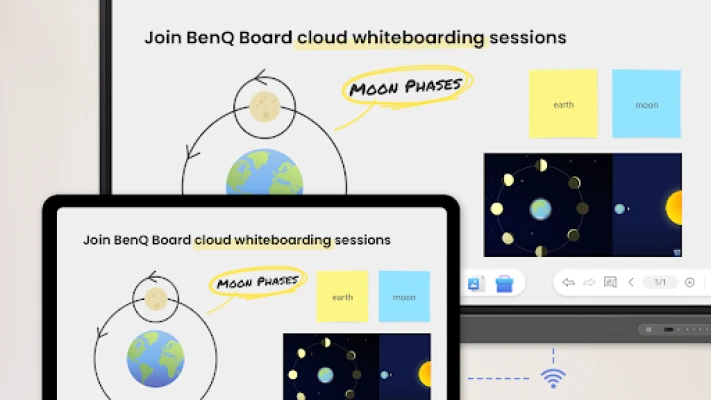
One of the standout features of EZWrite 6 is its cloud whiteboarding capability. This innovative function allows you to collaborate effortlessly with others using the BenQ Board. Join classes or meetings from the comfort of your seat, sharing your thoughts and ideas in real-time. The cloud integration ensures that your work is always accessible, making it easier than ever to stay connected and productive.
Key Features of EZWrite 6
EZWrite 6 is packed with features designed to enhance your digital whiteboarding experience. Here’s what you can do:
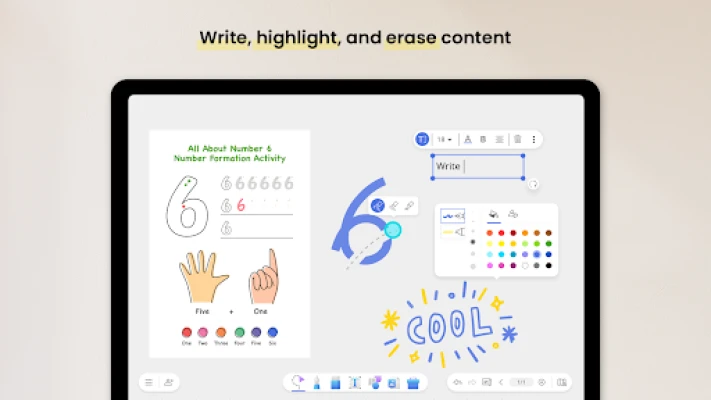
- Write, Highlight, and Erase: Effortlessly jot down notes, emphasize key points, and erase mistakes with a simple touch.
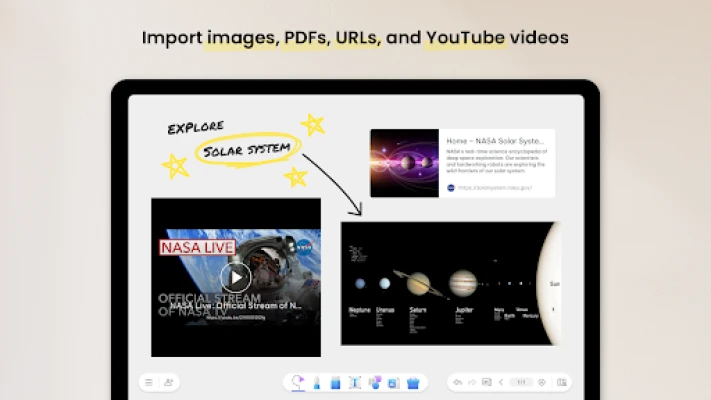
- Import Multimedia: Bring your ideas to life by importing images, PDFs, URLs, and even YouTube videos directly into your workspace.
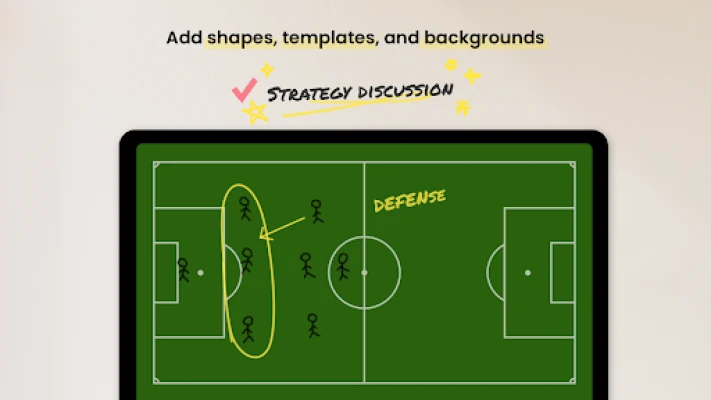
- Add Shapes and Templates: Utilize a variety of shapes and templates to structure your ideas visually, making your presentations more engaging.
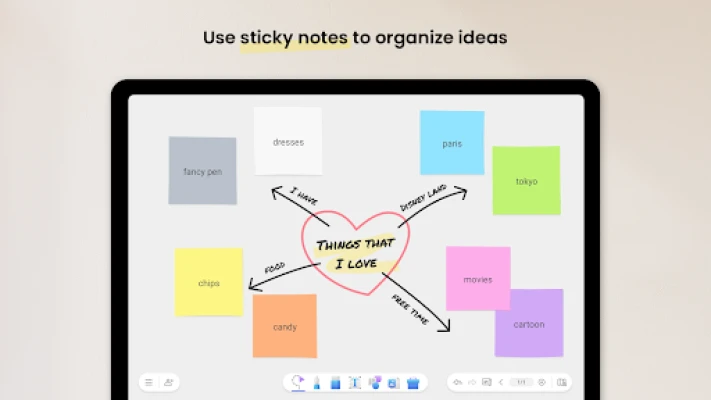
- Organize with Sticky Notes: Use sticky notes to categorize and prioritize your thoughts, ensuring that nothing gets overlooked.
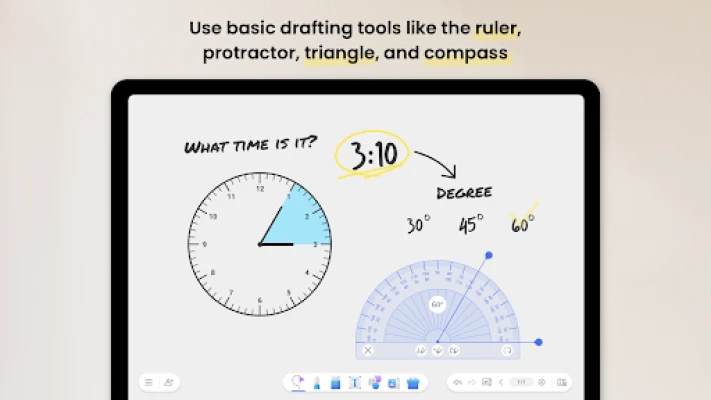
- Basic Drafting Tools: Access essential drafting tools like rulers, protractors, triangles, and compasses to create precise diagrams and illustrations.
- Join Cloud Whiteboarding Sessions: Collaborate with peers in real-time by joining BenQ Board cloud whiteboarding sessions, enhancing teamwork and communication.
- Save Your Progress: Never lose your work again! EZWrite 6 allows you to save your Interactive Whiteboard (IWB) files, so you can pick up right where you left off.
Why Choose EZWrite 6?
EZWrite 6 stands out in the crowded market of digital whiteboarding tools for several reasons:
- User-Friendly Interface: The intuitive design makes it easy for anyone to start using the app without a steep learning curve.
- Versatile Applications: Whether you're a student, teacher, or professional, EZWrite 6 adapts to your needs, making it suitable for various scenarios.
- Enhanced Collaboration: The ability to connect with others in real-time fosters a collaborative environment, essential for brainstorming and group projects.
- Regular Updates: The developers are committed to improving the app, ensuring that users benefit from the latest features and enhancements.
Getting Started with EZWrite 6
To begin your journey with EZWrite 6, simply download the app from the Google Play Store. Once installed, you can create an account or log in to access cloud features. The onboarding process is straightforward, guiding you through the essential functions and settings to customize your experience.
Feedback and Support
Your experience matters! For any questions, feedback, or support, feel free to reach out to the dedicated team at BenQ Support. They are ready to assist you with any inquiries you may have, ensuring you get the most out of your EZWrite 6 experience.
Conclusion
EZWrite 6 for Android is more than just a note-taking app; it’s a comprehensive digital whiteboard that empowers you to express your ideas creatively and collaboratively. With its robust features and user-friendly interface, it’s the perfect tool for anyone looking to enhance their productivity and engagement. Download EZWrite 6 today and transform the way you work and learn!
Rate the App
User Reviews















Popular Apps










Editor's Choice









