

Latest Version
1.0.37
May 02, 2026
WiFi Extender - WiFi Analyzer & WiFi Speed Test
Tools
Android
0
Free
com.duplicate.photo.remover.duplicatephotofinder
Report a Problem
More About Duplicate Photo Remover
Maximize Your Storage: The Ultimate Guide to Using Duplicate Photo Finder Apps
In today's digital age, our devices are filled with countless photos, many of which are duplicates. These duplicate images not only clutter your gallery but also consume valuable storage space. Fortunately, the Duplicate Photo Finder app offers a seamless solution to this common problem. This article will explore how this app can help you efficiently manage your photo library, recover storage space, and enhance your device's performance.
Why You Need a Duplicate Photo Finder
As we capture moments through our smartphones, it's easy to accumulate multiple copies of the same image. Whether it's due to accidental snaps or repeated downloads, these duplicates can quickly fill up your device's storage. A duplicate photo finder is essential for anyone looking to streamline their photo collection and optimize their device's performance.
Key Features of the Duplicate Photo Finder App
The Duplicate Photo Finder app is designed with user-friendliness in mind, offering several features that make it a must-have tool for anyone looking to declutter their photo library. Here are some of its standout features:
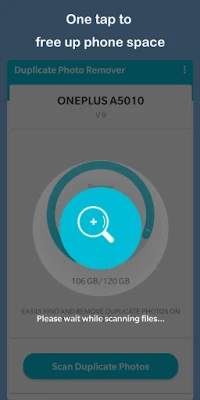
- Effortless Scanning: The app quickly scans your device for duplicate photos, saving you time and effort.
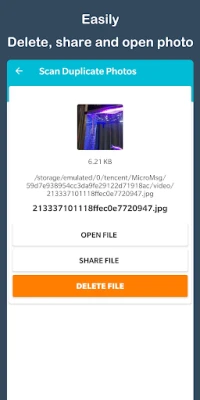
- Preview Functionality: Before deleting any images, you can preview duplicates to ensure you only remove the unwanted copies.
- One-Tap Deletion: With just a single tap, you can remove all duplicate photos, making the process incredibly efficient.
How to Use the Duplicate Photo Finder App
Using the Duplicate Photo Finder app is straightforward. Follow these simple steps to reclaim your storage space:
- Download and Install: Start by downloading the app from the Google Play Store and installing it on your Android device.
- Launch the App: Open the app and grant the necessary permissions to allow it to access your photos.
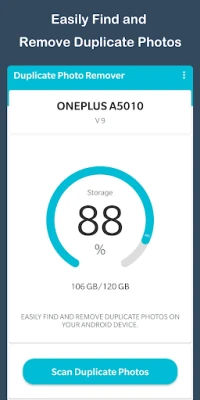
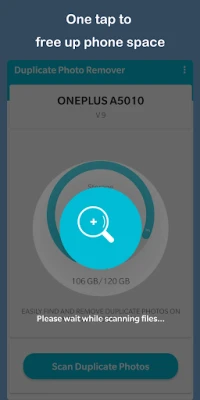
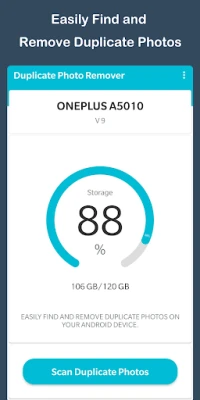
- Initiate a Scan: Tap the scan button to begin searching for duplicate images on your device.
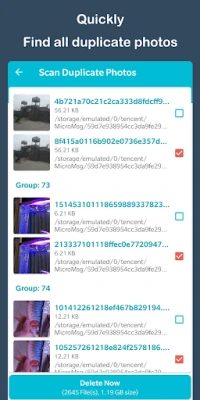
- Review Results: Once the scan is complete, review the list of duplicate photos. The app will display them side by side for easy comparison.
- Delete Duplicates: Select the duplicates you wish to remove and tap the delete button. You can also choose to delete all duplicates with a single tap.
Benefits of Using Duplicate Photo Remover
Utilizing a duplicate photo remover app offers numerous benefits beyond just freeing up storage space:
- Enhanced Organization: By removing duplicates, you can keep your photo library organized and easy to navigate.
- Improved Device Performance: A clutter-free device often runs more smoothly, enhancing overall performance.
- Time Savings: Manually searching for and deleting duplicates can be time-consuming. This app automates the process, saving you valuable time.
Conclusion: Take Control of Your Photo Library
In conclusion, the Duplicate Photo Finder app is an invaluable tool for anyone looking to manage their photo collection effectively. With its easy-to-use interface and powerful features, you can quickly scan, preview, and delete duplicate photos, reclaiming precious storage space on your Android device. Don't let duplicate images clutter your gallery any longer—download the app today and take control of your photo library!
Rate the App
User Reviews















Popular Apps










Editor's Choice









