

Latest Version
2.10
February 05, 2026
MeetDoc Developers
Tools
Android
0
Free
com.meetdoc.duplicatefilefinder.duplicatecontactsremover
Report a Problem
More About Duplicate File Remover
Ultimate Guide to Duplicate File and Contacts Remover: Optimize Your Smartphone Storage
In today's digital age, smartphones are essential tools for communication, entertainment, and productivity. However, as we accumulate files and contacts, our devices can become cluttered with duplicates. This article explores the benefits of using a Duplicate File Remover and Duplicate Contacts Remover to streamline your smartphone experience.
Understanding the Need for a Duplicate File Remover
Every smartphone user has encountered the frustration of having multiple copies of the same file, whether it’s media, documents, or images. These duplicates not only consume valuable storage space but can also lead to confusion when trying to locate specific files.
Common Causes of Duplicate Files
- Multiple Downloads: Downloading the same file repeatedly can lead to unnecessary duplicates.
- File Sharing: Receiving identical files from different sources, such as friends on WhatsApp or various social media platforms, contributes to duplication.
- Backup Processes: Backup applications may inadvertently create copies of files during the backup process.
- Cached Data: Android media apps often generate cached images or thumbnails, which can clutter your storage.
- Bluetooth Transfers: Errors during Bluetooth file transfers can result in duplicate files being saved.
Why You Need a Duplicate Contacts Remover
Just as duplicate files can clutter your storage, duplicate contacts can create chaos in your address book. This issue often arises when syncing contacts from various social media accounts or when transitioning to a new device.
How Duplicate Contacts Are Created
- Account Syncing: When you sync your phone with accounts like Google, Facebook, or WhatsApp, it can lead to multiple entries for the same contact.
- Manual Entry Errors: Typing the same contact information multiple times can result in duplicates.
- Importing Contacts: Importing contacts from different sources without proper merging can lead to redundancy.
Effective Solutions for Managing Duplicates
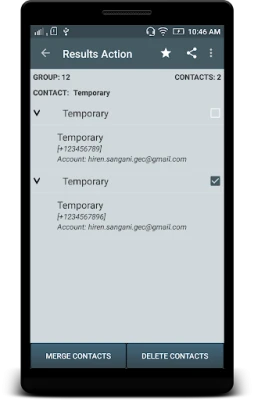
The Duplicate Contacts Remover app is designed to identify and eliminate duplicate contacts efficiently. Users can delete duplicates individually or merge them for a cleaner contact list.
Features of the Duplicate File and Contacts Remover App
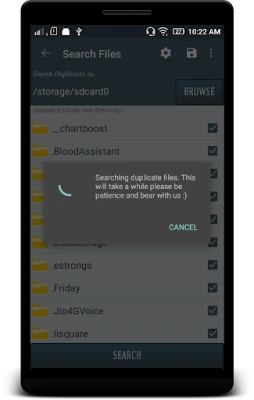
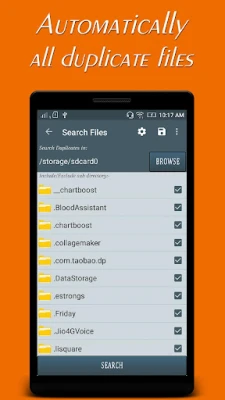
- Comprehensive Scanning: The app scans all types of files, including photos, videos, documents, and PDFs, to identify duplicates.
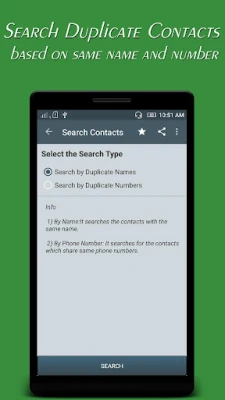
- Contact Management: Easily find and manage duplicate contacts by name or number, allowing for individual deletion or merging.
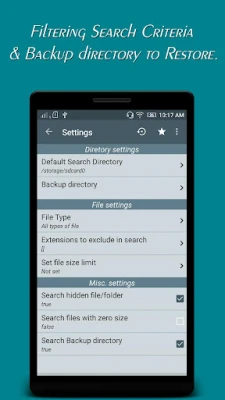
- Customizable Search Filters: Users can set specific criteria for file types, such as .mp3, .mp4, .png, and .jpg, to refine their search.
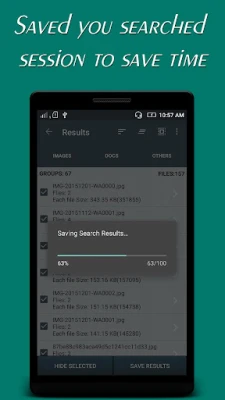
- Backup Options: Deleted files and contacts are stored in a backup directory, enabling users to restore them if needed.
- Multi-Functional Cleaner: The app also serves as a WhatsApp cleaner, storage cleaner, and junk cleaner, optimizing your device's performance.
Conclusion: Streamline Your Smartphone Experience
Managing duplicate files and contacts is essential for maintaining an organized and efficient smartphone. By utilizing a Duplicate File Remover and Duplicate Contacts Remover, users can reclaim valuable storage space and enhance their device's performance. Don't let duplicates clutter your digital life—take control today!
Disclaimer
We respect your privacy and do not store any user information in any form whatsoever.
Rate Us
If you find the Duplicate File Remover and Duplicate Contacts Remover helpful, please take a moment to rate us. Your feedback helps us improve and grow!
Rate the App
User Reviews















Popular Apps










Editor's Choice









