Latest Version
January 20, 2026
One Stop Apps
Tools
Android
0
Free
com.smartswitchdatatransfer.transferdatacontenttransfer.copymydata
Report a Problem
More About Data Transfer - Copy My Data
Effortless Data Transfer: Copy My Data for Seamless Device Migration
Are you looking to transfer your data from an old device to a new one? Look no further! Data Transfer - Copy My Data is your ultimate solution for a smooth and secure content migration. With its powerful features, including content transfer and phone cloning, this app allows you to move everything from photos and videos to contacts and files effortlessly. Whether you need to transfer data between Android and iPhone or simply switch devices, our app ensures a quick and easy process.
Streamlined Data Migration with Copy My Data
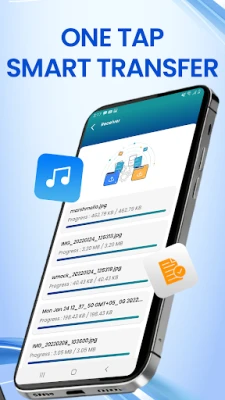
Experience the convenience of transferring data between devices with the advanced capabilities of Data Transfer - Copy My Data. This app simplifies the process of copying data from Android to iPhone or switching mobile phones in just a few minutes! With the Smart Transfer feature, you can easily migrate contacts, applications, photos, and more without the hassle of cables. Whether you require phone-to-phone transfer, file transfer, or cloning phone data, Smart Transfer makes it straightforward.
Clone Your Phone and Switch Devices in Minutes
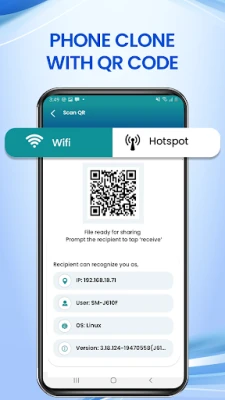
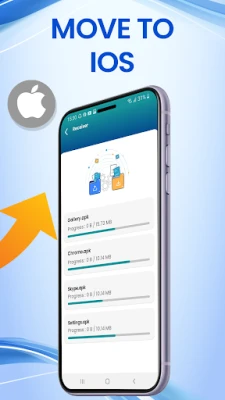
The Clone Phone feature allows users to replicate and switch content between devices effortlessly. With the app’s cloning capabilities, you can copy all your essential data, including videos, photos, contacts, and documents. Utilizing the Copy My Data phone transfer option ensures that your files are transferred safely and without interruptions. Whether you are transferring between Android devices or using the Move to iOS feature, Smart Transfer has you covered.
How to Use Smart Transfer for Phone-to-Phone Migration
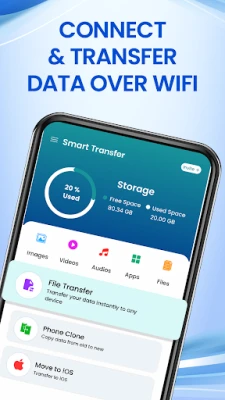
- Install & Connect: Download the app and connect both devices to the same Wi-Fi network for a fast and smooth data transfer experience.
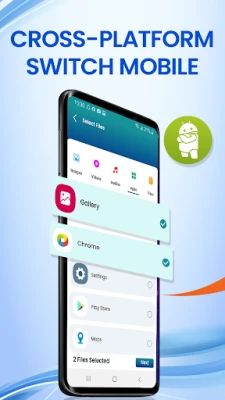
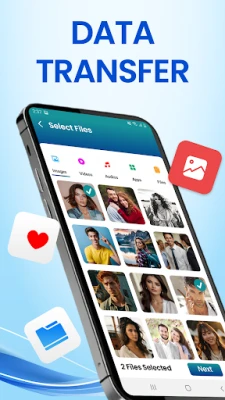
- Select Content: Choose the files you wish to transfer—photos, videos, contacts, or apps using our Transfer My Data feature.
- Transfer Data: Initiate the phone switch and watch as Smart Transfer securely migrates your data to your new device.
Key Features of Data Transfer - Copy My Data
- Phone Clone: Effortlessly clone your phone and transfer all data from one device to another.
- Contact Transfer: Seamlessly migrate contacts and important information.
- File Transfer: Share large files such as photos, music, videos, and more with ease.
- App Switcher: Transfer apps and their associated data to your new device effortlessly.
- Save Files: Keep all your media and important documents secure during the content transfer process.
Why Choose Data Transfer - Copy My Data for Android & iOS?
With Smart Transfer, you gain a reliable solution for transferring data across all devices. Whether you need to migrate videos, contacts, or perform an Android transfer, this app simplifies the process of copying your data and switching phones. Additionally, features like Move to iOS and touch copy facilitate effortless content transfer between Android and iPhone devices. From transfer app options to cloning phone content, Smart Transfer handles everything with ease!
Conclusion
In a world where technology evolves rapidly, transferring data between devices should be a seamless experience. Data Transfer - Copy My Data stands out as a powerful tool that ensures your data migration is quick, secure, and hassle-free. Whether you are upgrading your smartphone or switching operating systems, this app is designed to meet all your data transfer needs. Download it today and experience the ease of transferring your valuable content!
Disclaimer: Smart Transfer is not affiliated with, authorized by, or officially connected with any other apps.
Rate the App
User Reviews















Popular Apps










Editor's Choice









