
Latest Version
4.19.00
January 27, 2025
codeSpark
Games
Android
0
Free
org.codespark.thefoos
Report a Problem
More About codeSpark - Coding for Kids
The LEGO Foundation: Revolutionizing Learning and Play for Children
The LEGO Foundation is at the forefront of transforming how children learn and play. With accolades such as the Editor’s Choice Award from the Children’s Technology Review, the Gold Medal from Parent’s Choice, and recognition from the American Association of School Librarians as a Best App for Teaching & Learning, it’s clear that their innovative approach is making a significant impact.
Engaging Learning Games for Kids
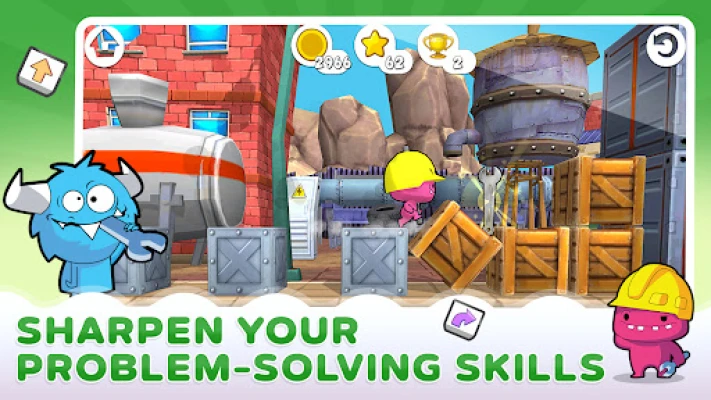
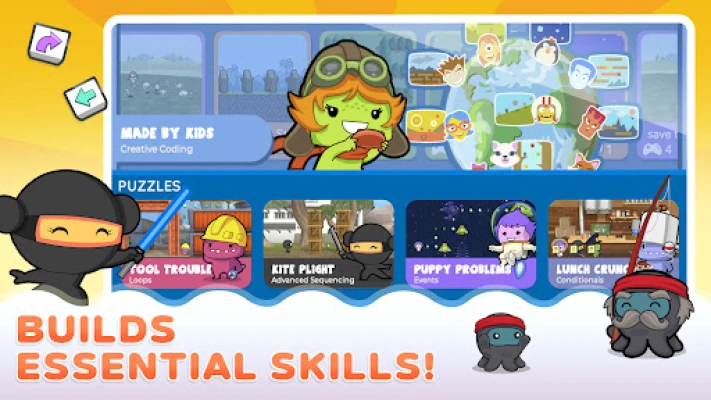
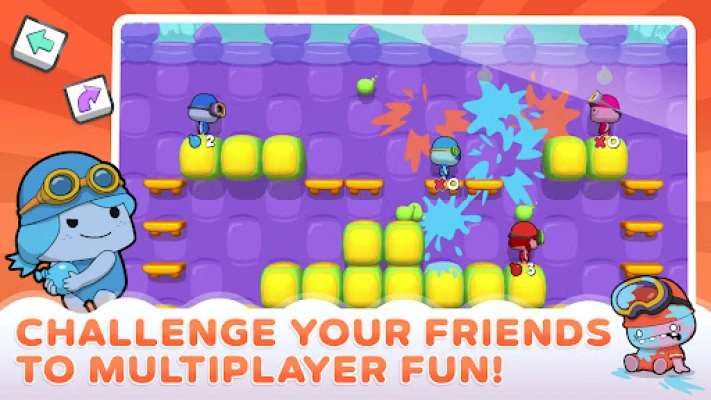
In today’s digital age, learning games for kids have become essential tools for education. These games not only entertain but also foster critical skills such as problem-solving and logical thinking. With educational games for kids, children can dive into the world of coding, mastering essential concepts like sequencing, loops, events, and conditionals. CodeSpark’s engaging platform makes learning to code an enjoyable experience for young learners.
Explore the World of CodeSpark
CodeSpark stands out among coding apps for kids by offering a unique blend of coding games and logical thinking challenges. Unlike other platforms, CodeSpark emphasizes the application and expansion of coding knowledge through interactive gameplay. Children learn vital programming concepts such as boolean logic, automation, variables, and inequalities, all while having fun.
Story Maker: Unleashing Creativity
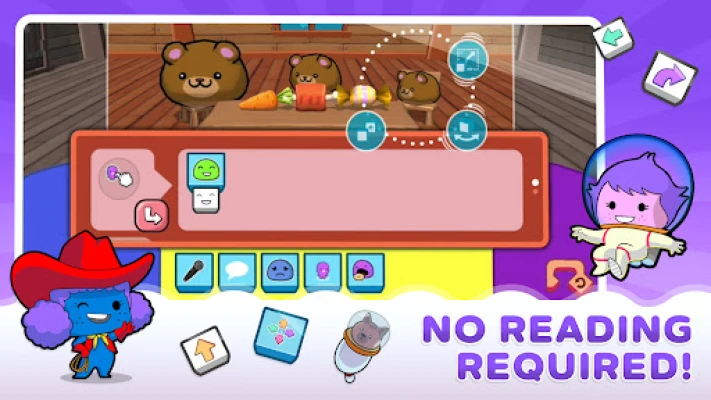
CodeSpark’s Story Maker feature goes beyond traditional educational games. It empowers children to create interactive stories filled with speech bubbles, drawings, and music. This not only enhances their coding skills but also nurtures their creativity and storytelling abilities.
Game Maker: Code Your Own Adventures
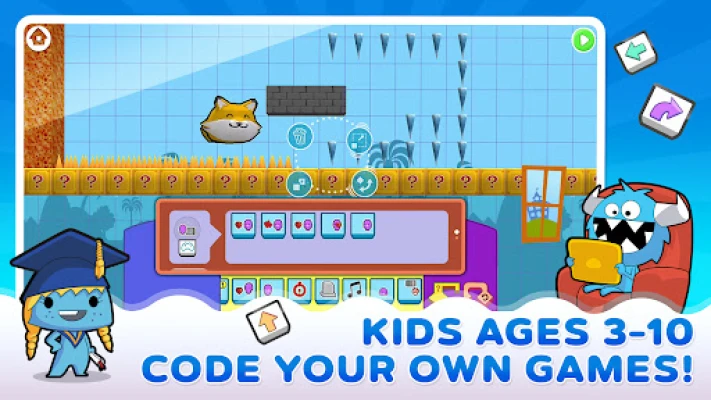
With the Game Maker tool, kids can learn coding by designing their own games. They can explore how existing games were coded and add their unique twist to them. This hands-on approach allows children to apply the concepts they’ve learned in a practical and enjoyable way.
Adventure Game: Merging Storytelling and Coding
The Adventure Game feature combines storytelling with game design, enabling children to create unique games and narratives for others to enjoy. By using advanced coding concepts, kids can animate characters, build structures, and bring their imaginative worlds to life.
A Safe and Supportive Community
CodeSpark prioritizes the safety and privacy of its young users. Every story created within the platform is moderated before publication, ensuring a secure environment for all kid coders. Parents can rest assured that their children can engage in programming games while being protected at every step.
Key Features of CodeSpark
- Kid-Safe Environment: A secure platform for children to learn and play.
- Interactive Learning: Kids learn programming concepts through engaging coding games.
- Personalized Activities: Daily coding games tailored to each child’s learning pace.
- Subscription Model: Access to new content every month, ensuring continuous learning.
- Word-Free Coding: Ideal for beginner coders and pre-readers, making coding accessible to everyone.
- Research-Backed Curriculum: A structured approach to teaching core computer science concepts.
- Multiple Profiles: Up to three individual child profiles for personalized learning experiences.
- No Data Collection: Commitment to privacy with no collection of personal data.
- No Advertising: A distraction-free learning environment.
- Flexible Subscription: Cancel anytime without hassle.
Educational Content Designed for Success
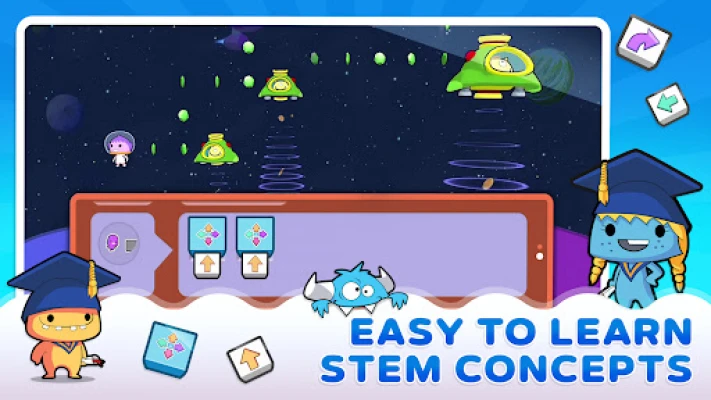
CodeSpark’s patented word-free interface allows children to engage with the platform effortlessly. This design is particularly beneficial for beginner coders and pre-readers, making coding accessible to all. Through interactive learning apps, kids master essential computer science concepts such as pattern recognition, problem-solving, sequencing, algorithmic thinking, debugging, loops, and conditionals.
Download and Subscription Information
To get started with CodeSpark, users can download the app and choose a subscription plan. Payment will be charged to the Play Store account, and subscriptions automatically renew unless turned off at least 24 hours before the end of the current period. Users can manage their subscriptions through their account settings, ensuring flexibility and control over their learning journey.
Privacy and Terms of Use
CodeSpark is committed to protecting user privacy. For detailed information, users can review the Privacy Policy and Terms of Use.
In conclusion, the LEGO Foundation and CodeSpark are redefining the landscape of learning and play for children. By integrating fun and education through innovative coding games, they are equipping the next generation with essential skills for the future. With a focus on safety, creativity, and personalized learning, CodeSpark is an invaluable resource for parents looking to enhance their children’s educational experience.
Rate the App
User Reviews









Popular Apps







Editor's Choice