Latest Version
1.12.2
October 27, 2024
Georg Sieber
Tools
Android
0
Free
systems.sieber.fsclock
Report a Problem
More About Clock Screensaver
Unlock the Full Potential of Your Android Clock App: Features and Benefits
In today's fast-paced world, having a reliable and customizable clock app on your Android device is essential. Whether you prefer the classic look of an analog clock or the sleek design of a digital one, the right app can enhance your daily routine. This article explores the standout features of a versatile clock app that caters to your needs, ensuring you never miss an important moment.
Individual Activation of Analog and Digital Clocks
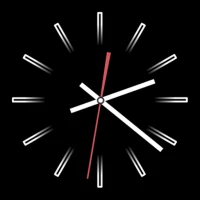
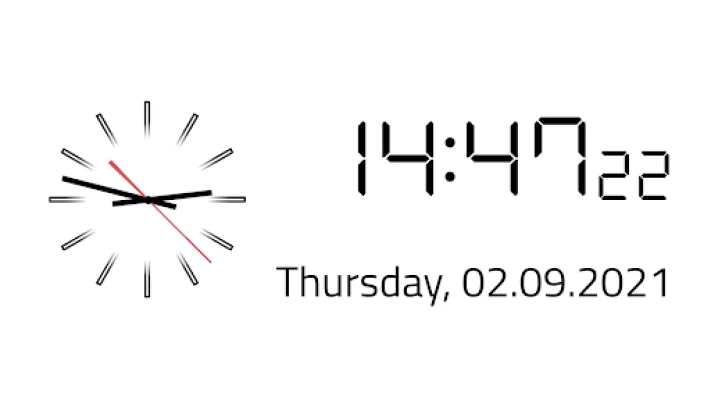
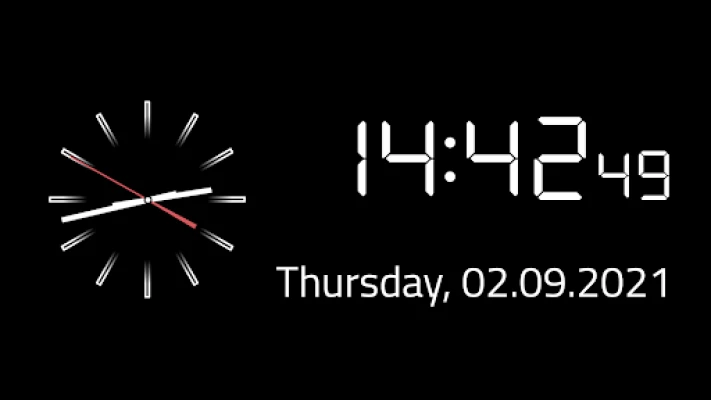
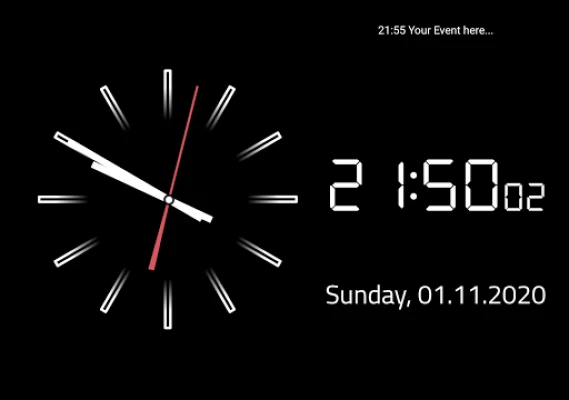
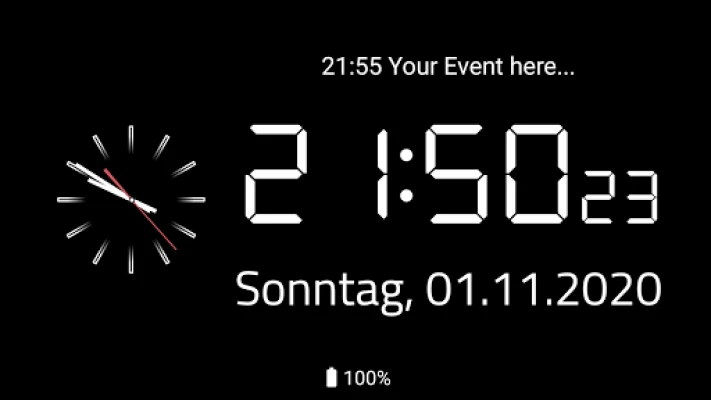
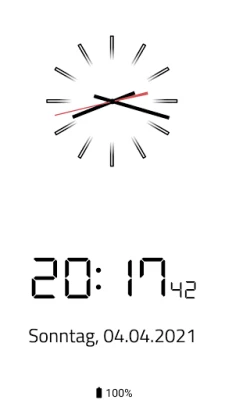
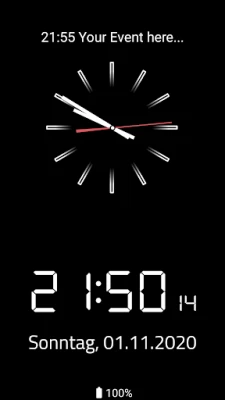
One of the most appealing features of this clock app is the ability to activate or deactivate the analog and digital clocks individually. This flexibility allows users to choose their preferred time display without compromising on style or functionality. Whether you enjoy the traditional feel of an analog clock or the modern aesthetic of a digital display, you can tailor your experience to suit your preferences.
Customizable Date and Weekday View
Enhance your timekeeping with the optional date and weekday view, which comes with a custom format option. This feature allows you to display the date and day of the week in a way that resonates with you. Whether you prefer a minimalist approach or a more detailed view, the app accommodates your style, making it easier to stay organized and informed at a glance.
Seamless Integration with Alarms and Appointments
Never miss an important event again! The app seamlessly displays alarms and appointments from your Android calendar or its internal event database. This integration ensures that all your reminders are in one place, making it easier to manage your schedule. With this feature, you can quickly check your upcoming events and set alarms without switching between multiple applications.
Adjustable Background and Clock Colors
Personalization is key when it comes to user experience. The app offers adjustable background and clock colors, allowing you to create a visually appealing interface that matches your style. Whether you prefer a calming blue or a vibrant red, you can customize the look of your clock to reflect your personality and mood.
Android System Screensaver Compatibility
Transform your smartphone or tablet into a stylish display with the app's compatibility as an Android system screensaver, known as "DayDream." This feature allows your device to showcase the clock while it charges or remains idle, turning it into a functional piece of decor. Enjoy the convenience of having a beautiful clock on display without draining your battery.
Compatibility with Android TV Devices
In addition to smartphones and tablets, this clock app is compatible with Android TV devices. This means you can enjoy the same features and customization options on your television, making it a versatile addition to your home entertainment setup. Whether you're watching a movie or hosting a gathering, the clock app can enhance your viewing experience.
Preventing Burn-In on OLED Displays
For users with OLED displays, the app includes a unique feature that allows content to be moved slightly. This functionality helps prevent burn-in, ensuring that your screen remains in pristine condition over time. With this thoughtful design, you can enjoy the app's features without worrying about damaging your device's display.
Open Source for Community Collaboration
This innovative clock app is open source, allowing developers and users alike to contribute to its ongoing improvement. You can explore the source code and participate in its development by visiting the GitHub repository. This collaborative approach not only enhances the app's functionality but also fosters a community of users who share a passion for technology and customization.
Conclusion: Elevate Your Timekeeping Experience
With its array of customizable features, seamless integration with your calendar, and compatibility across devices, this clock app is designed to elevate your timekeeping experience. Whether you need a simple time display or a comprehensive scheduling tool, this app has you covered. Embrace the power of personalization and make every moment count with this exceptional Android clock app.
Rate the App
User Reviews















Popular Apps










Editor's Choice









