

Latest Version
February 28, 2026
RBandCoMobileApps
Tools
Android
0
$13.99
com.rbandco.mobileapps.browser.pro
Report a Problem
More About Browser for Android TV Pro
Simplify Your Android TV Browsing Experience
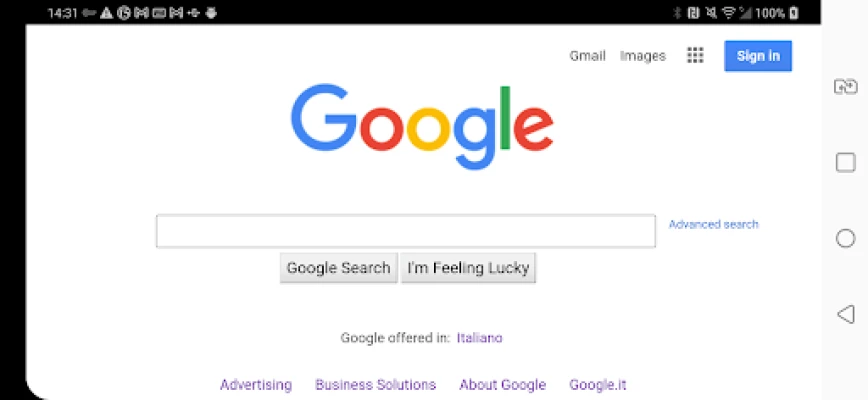
In today's digital age, having a seamless browsing experience on your Android TV is essential. With the right tools, you can transform your television into a powerful web browsing device. This article explores an ad-free Android TV web browser that empowers you to navigate the open web effortlessly.
Why Choose an Ad-Free Android TV Browser?
When it comes to browsing the internet on your Android TV, the experience can often be marred by intrusive advertisements and slow loading times. An ad-free browser eliminates these distractions, allowing you to focus on what truly matters: accessing content quickly and efficiently. Here are some compelling reasons to consider an ad-free Android TV browser:
- Enhanced Speed: Enjoy lightning-fast access to websites without the burden of ads slowing you down.
- Improved User Experience: Navigate the web smoothly with a clean interface that prioritizes your browsing needs.
- Privacy Protection: An ad-free browser often comes with built-in privacy features, ensuring your data remains secure.
Key Features of a High-Performance Android TV Browser
To make the most of your Android TV browsing experience, look for a browser that offers the following features:
1. Blazing Fast Browsing
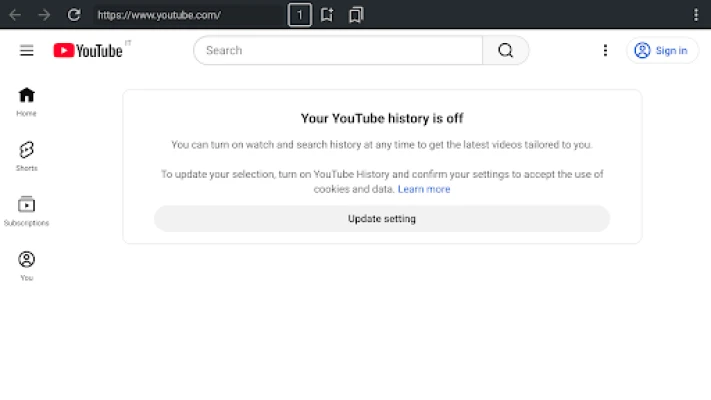
Speed is crucial when browsing the web. A top-tier Android TV browser provides rapid access to websites, allowing you to search and explore content without frustrating delays. Whether you're streaming videos, reading articles, or shopping online, a fast browser enhances your overall experience.
2. User-Friendly Interface
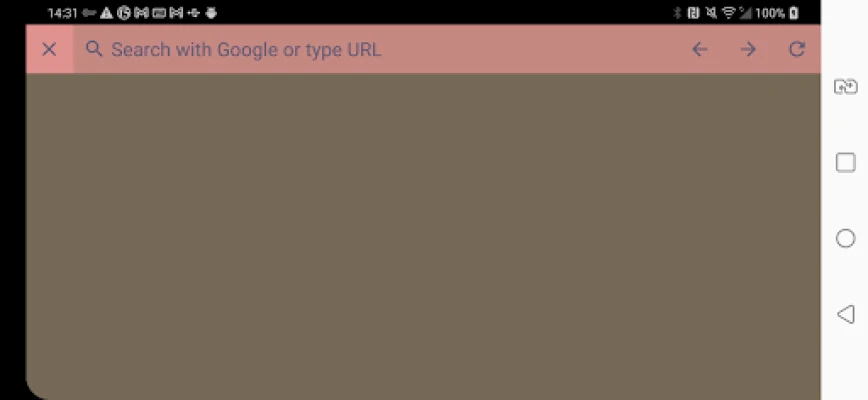
A clean and intuitive interface is vital for easy navigation. The best Android TV browsers are designed with large buttons and simple menus, making it easy to browse with your remote control. This user-friendly design ensures that even those new to technology can navigate the web with confidence.
3. Bookmarking and History Management
Efficient browsing involves quick access to your favorite sites. Look for a browser that allows you to bookmark pages and manage your browsing history effortlessly. This feature saves time and enhances your browsing efficiency, enabling you to return to your preferred content with just a few clicks.
4. Support for Multiple Tabs
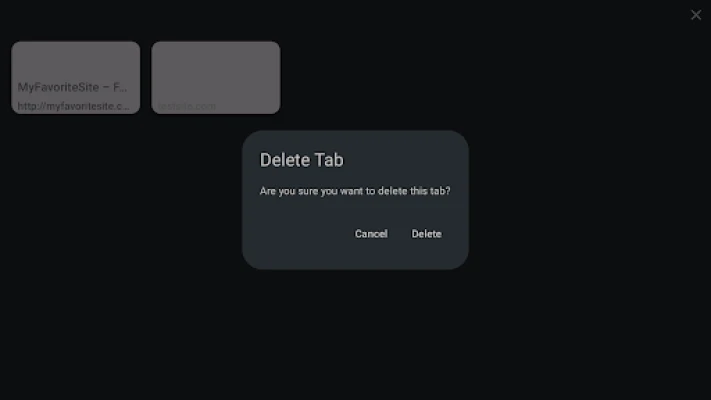
In today's fast-paced world, multitasking is essential. A high-quality Android TV browser supports multiple tabs, allowing you to switch between different websites seamlessly. This feature is particularly useful for users who like to compare information or keep several pages open at once.
5. Customizable Settings
Every user has unique preferences. A great Android TV browser offers customizable settings, enabling you to tailor your browsing experience to suit your needs. Adjust font sizes, themes, and privacy settings to create a personalized environment that enhances your comfort while browsing.
How to Install an Android TV Browser
Installing an Android TV browser is a straightforward process. Follow these simple steps to get started:
- Navigate to the Google Play Store on your Android TV.
- Search for your preferred ad-free web browser.
- Select the browser from the search results and click on the "Install" button.
- Once installed, open the browser and follow the on-screen instructions to set it up.
Maximizing Your Browsing Experience
Once you have your ad-free Android TV browser installed, consider these tips to maximize your browsing experience:
1. Explore Voice Search
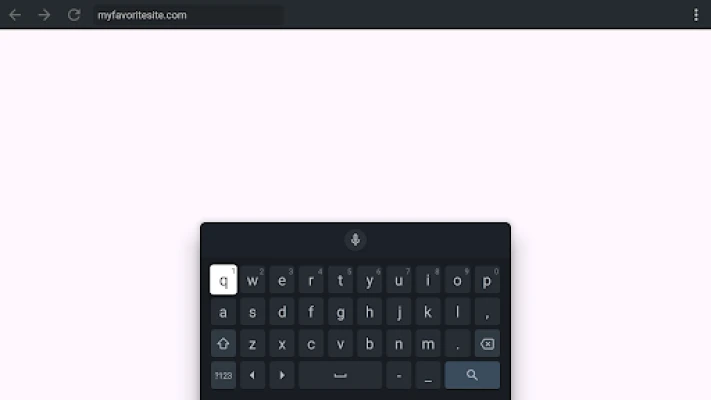
Many modern browsers support voice search, making it easier to find what you're looking for without typing. Utilize this feature to quickly access websites or search for specific content.
2. Use Keyboard Shortcuts
If you have a compatible keyboard connected to your Android TV, take advantage of keyboard shortcuts to navigate more efficiently. Familiarize yourself with common shortcuts to enhance your browsing speed.
3. Stay Updated
Regularly check for updates to your browser to ensure you have the latest features and security enhancements. Keeping your browser up to date is crucial for maintaining a smooth and secure browsing experience.
Conclusion
Transform your Android TV into a powerful web browsing tool with an ad-free browser that prioritizes speed and user experience. By choosing the right browser and utilizing its features, you can simplify your browsing life and enjoy the vast resources of the open web. Embrace the future of television browsing and unlock a world of content at your fingertips.
Rate the App
User Reviews















Popular Apps










Editor's Choice









