
Latest Version
2.7.0
December 14, 2024
Ivan Kuznecov
Games
iOS
213 MB
0
Free
Report a Problem
More About Blocky Parkour 3D
Unlock Your Creativity with the Ultimate Level Editor in Parkour Simulator
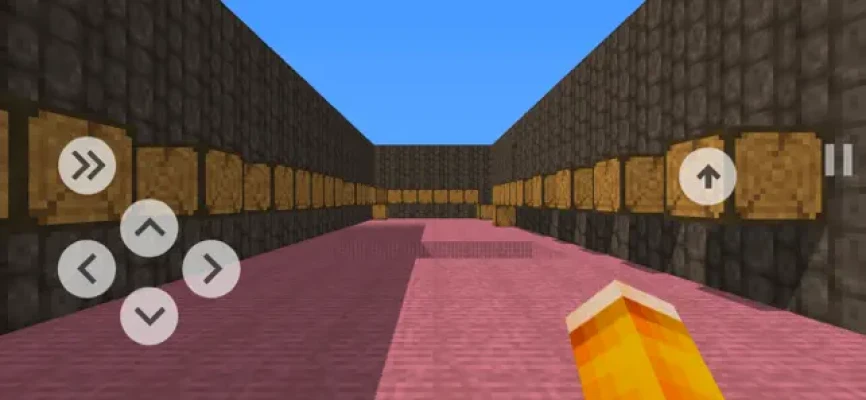
Are you ready to take your gaming experience to the next level? The Parkour Simulator offers an innovative level editor that empowers players to bring their imaginative ideas to life. Whether you have a unique level concept or want to challenge your friends, this feature is designed for you. Let’s dive into the details of how you can create, test, and share your custom levels.
Understanding the Level Editor
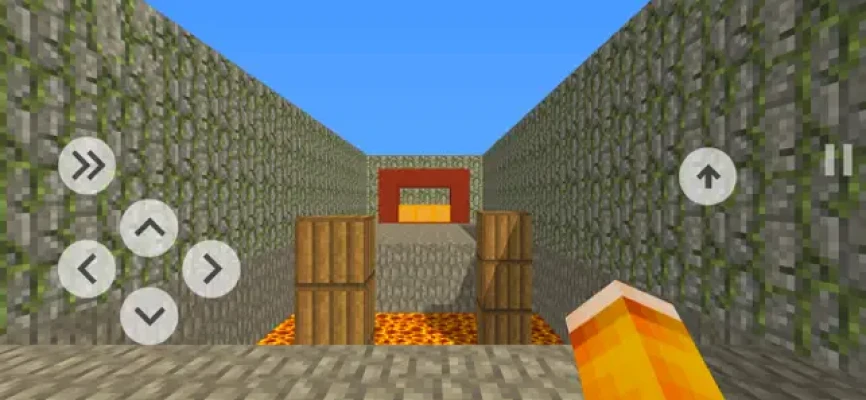
The level editor is a powerful tool that allows you to construct your own parkour challenges. With a variety of blocks at your disposal, you can design intricate courses that test the skills of even the most seasoned players. Here’s a breakdown of the blocks available:
- Orange Block (Finish): This essential block marks the end of your level. Without it, players cannot complete the course.
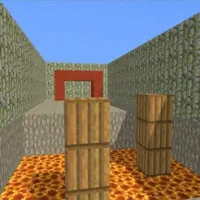
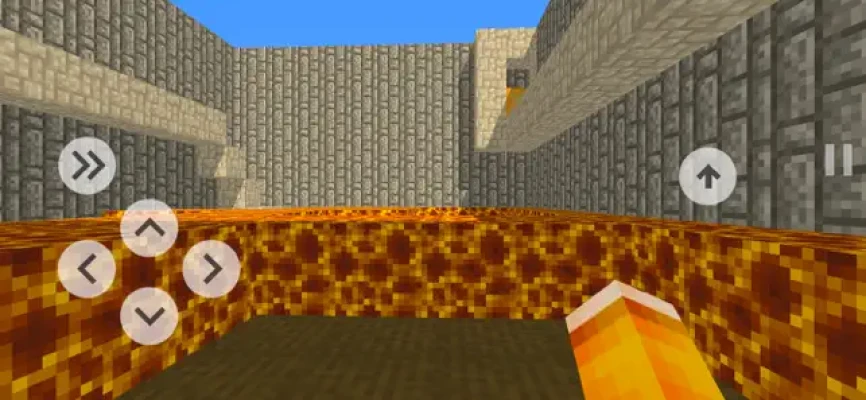
- Lava Block: A hazardous element that adds a thrilling challenge. Touching this block will send players back to the start.
- Normal Blocks: These versatile blocks serve as the foundation for your level design.
Two Modes of Creation
The level editor features two distinct modes to enhance your building experience:
1. Construction Mode
In Construction Mode, you have access to all the building blocks. This mode enables you to fly through the level, making it easy to place and remove blocks as needed. You can:
- Move up and down to navigate your design space.
- Add new blocks to create obstacles or pathways.
- Delete blocks to refine your level layout.
2. Passage Mode
Once you’ve built your level, switch to Passage Mode to test your creation. This mode allows you to experience the level as a player would. If you touch the lava block or reach the finish line, you will be returned to the starting position, giving you a chance to evaluate the flow and difficulty of your design.
Menu Navigation Made Easy
The level editor features a user-friendly menu with several key buttons:
- Return to Starting Position: Instantly go back to the beginning of your level, which you can adjust at any time.
- Switch Modes: Easily toggle between Construction and Passage modes to streamline your building and testing process.
- Set Starting Position: Designate your current location as the initial spawn point for players, ensuring they start where you intend.
Submitting Your Level for Approval
After crafting your level, you can submit it for verification. If it meets the necessary criteria, it will be featured in the game during the next update. To ensure your level is accepted, keep these conditions in mind:
- Your level must include a mandatory Finish block.
- The level must be passable, allowing players to navigate through it successfully.
By adhering to these guidelines, you increase the likelihood of your level being added to the game, allowing others to enjoy your creation.
Key Features of the Parkour Simulator
The Parkour Simulator is not just about creating levels; it offers a comprehensive gaming experience:
- Parkour Simulation: Experience the thrill of parkour in a dynamic environment.
- Unlock Levels: Gain access to new levels by watching commercials or completing challenges.
- Community Creations: Play levels designed by other players, expanding your gameplay options.
- Diverse Difficulty Levels: Choose from a range of easy to complex levels to suit your skill level.
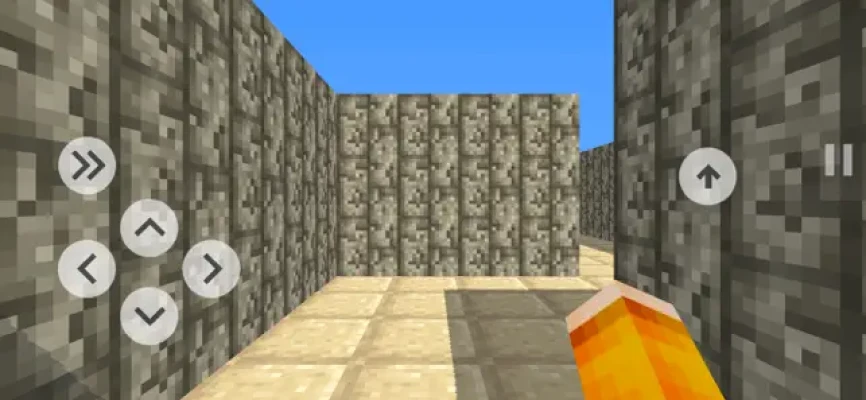
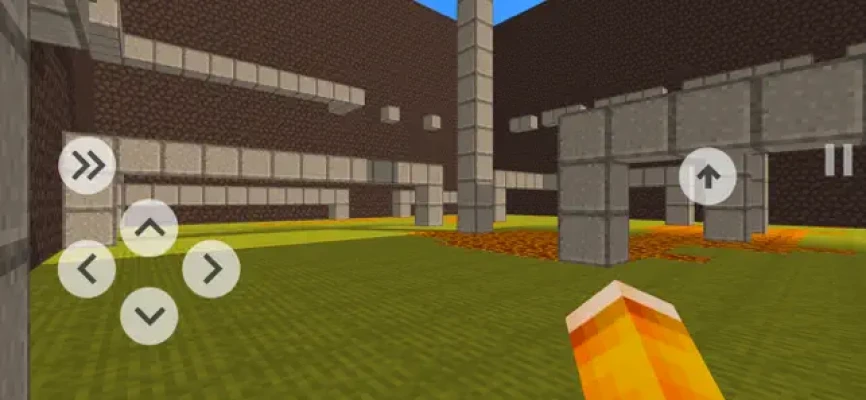
- Unique Aesthetic: Enjoy the game’s charming cubic style that enhances the visual experience.
Conclusion: Create, Play, and Share
The level editor in the Parkour Simulator is a game-changer, allowing players to unleash their creativity and challenge others. With its intuitive design and robust features, you can easily create levels that are both fun and challenging. So, gather your ideas, start building, and share your unique parkour experiences with the world!
Rate the App
User Reviews












Popular Apps










Editor's Choice









