


Latest Version
2.11.6
February 24, 2026
Apple
Tools
Android
1
Free
com.apple.bnd
Report a Problem
More About Beats
Unlock the Full Potential of Your Beats: A Comprehensive Guide to the Beats App
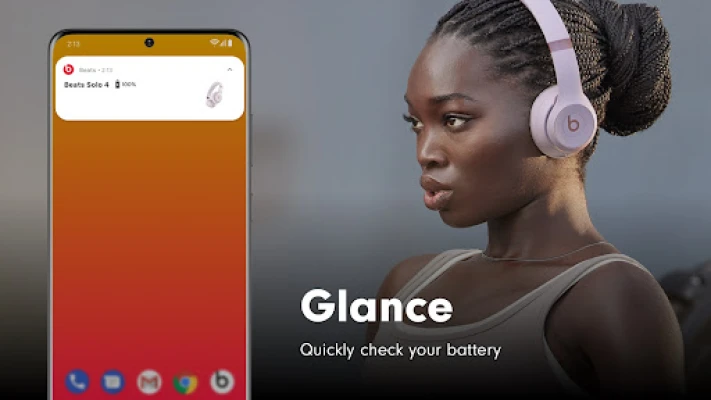
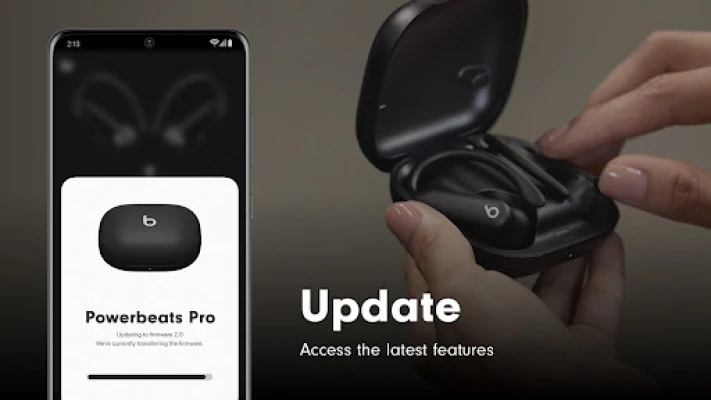
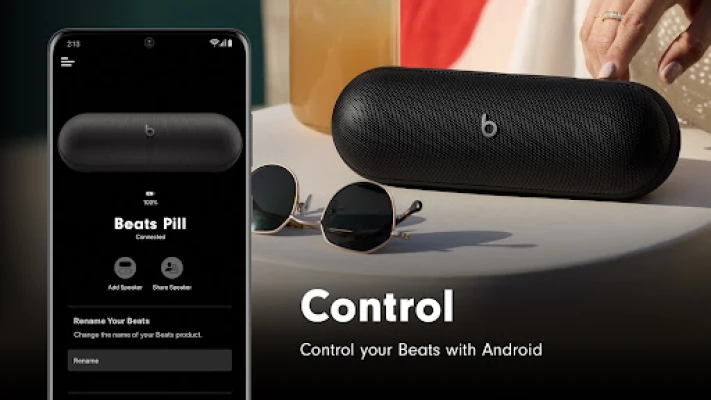
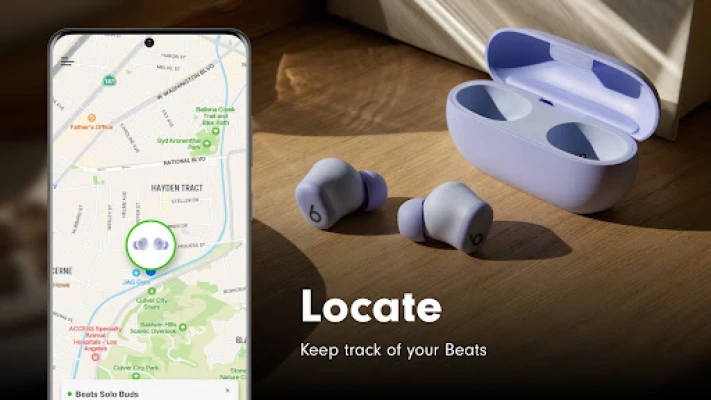
Connecting your Beats devices has never been easier. With the innovative one-touch pairing feature, you can quickly establish a connection and gain seamless access to battery status and personalized settings. The Beats app enhances your experience by allowing you to create unique Android widgets for your Beats products and even locate them on a map if they go missing. Additionally, the app ensures that your headphones and speakers are always updated with the latest firmware, guaranteeing you the best possible Beats experience.
Supported Beats Products
The Beats app now supports the latest Powerbeats Fit and is compatible with a wide range of Beats products, including:
- Beats Solo Buds
- Beats Pill
- Beats Studio Pro
- Beats Solo 4
- Beats Studio Buds +
- Beats Fit Pro
- Beats Studio Buds
- Beats Flex
- Powerbeats Pro 2
- Powerbeats Pro
- Powerbeats
- Powerbeats3 Wireless
- Beats Solo Pro
- Beats Studio3 Wireless
- Beats Solo3 Wireless
- BeatsX
- Beats Pill⁺
Analytics for Enhanced Performance
Opting in to share analytics through the Beats app allows you to contribute to the improvement of Beats products. This data collection is designed with your privacy in mind, ensuring that no personally identifiable information is shared. Apple gathers analytics related to your Beats app usage and device performance, including software versions, device renaming events, and update success or failure rates. This information is crucial for enhancing the quality and performance of both the Beats app and its products.
Required and Optional App Permissions
Essential Permissions
To connect to your Beats device and perform necessary firmware updates, the app requires:
- Bluetooth: This permission is essential for establishing a connection with your Beats device.
Optional Permissions
While the app can function without optional permissions, granting them enhances your experience:
- Location: This permission allows the app to display the last known location of your Beats device, making it easier to find if misplaced.
- Notifications: Enable notifications to receive alerts about low battery levels, firmware updates, and app updates available in the Play Store.
Even without granting consent for these optional permissions, you can still use the Beats app. However, some features may be limited.
Maximize Your Beats Experience
To fully enjoy the capabilities of your Beats devices, regularly check for firmware updates through the app. Keeping your devices updated ensures optimal performance and access to the latest features. The Beats app not only simplifies the connection process but also enhances your overall user experience by providing valuable insights and tools at your fingertips.
Conclusion
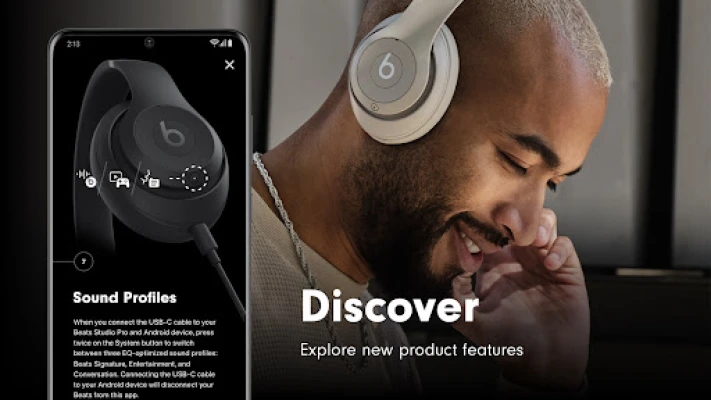
The Beats app is an essential companion for any Beats user, offering a range of features designed to enhance connectivity, performance, and user experience. By utilizing the app, you can ensure that your Beats devices are always up to date and functioning at their best. Whether you’re using the latest Powerbeats Fit or any other compatible Beats product, the app provides the tools you need to enjoy your music to the fullest.
Rate the App
User Reviews















Popular Apps










Editor's Choice









