


Latest Version
June 12, 2026
iKame Applications - Begamob Global
Tools
Android
0
Free
com.authenticator.otp.password
Report a Problem
More About Authenticator App - 2FA
Enhance Your Security with Authenticator: The Ultimate 2FA Solution
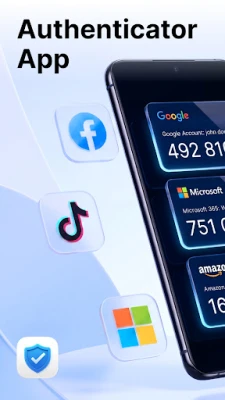
In today's digital landscape, safeguarding your personal and professional accounts is more crucial than ever. The Authenticator app offers a robust solution for securing your login information across various platforms, from email and social media to cryptocurrency exchanges and business tools. With its user-friendly interface and powerful features, Authenticator ensures that your accounts remain protected and easily accessible.
Supported Platforms for Seamless Integration
Authenticator is compatible with a wide range of platforms, making it an essential tool for anyone looking to enhance their online security. Commonly supported services include:
- Microsoft
- Twitter (X)
- Amazon
- Dropbox
- PayPal
- eBay
- Snapchat
- Yahoo
- Shopify
- Slack
- Zoom
- Airbnb
- Uber
Access Your Codes Anytime, Anywhere
One of the standout features of the Authenticator app is its ability to generate authentication codes directly on your device. This means you can access your codes even without an internet connection. Whether you're in a location with weak signals or completely offline, your sign-ins remain uninterrupted.
Key Features of the Authenticator App
Secure TOTP Verification Codes
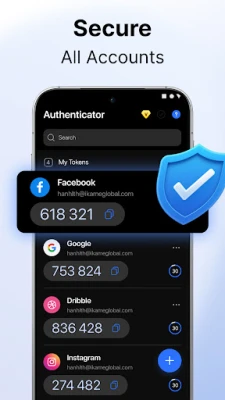
Authenticator generates time-based one-time passwords (TOTP) that provide an additional layer of security for your accounts. These codes refresh automatically, ensuring that your sign-ins remain secure across most online services that support authenticator apps.
Fast and Easy Account Setup
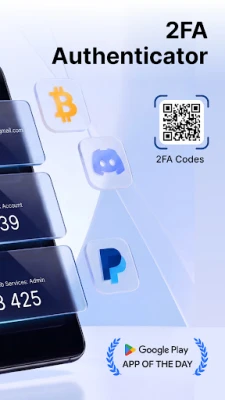
Setting up new accounts is a breeze with Authenticator. You can add accounts in just a few steps by either scanning a QR code or manually entering a secret key. The straightforward setup process allows you to start using two-factor authentication (2FA) immediately, enhancing your security without hassle.
Full Control Over Your 2FA Accounts
Manage all your authentication entries effortlessly within the app. You can edit account names, update secret keys, or remove entries for accounts that are no longer in use. This centralized management ensures that you have complete control over your 2FA settings.
App Lock with Biometric Security
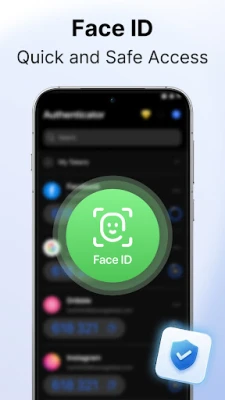
Protect your authentication codes with advanced security features such as Face ID, Touch ID, or a personalized PIN. Additionally, you can enable auto-lock to secure the app automatically when you switch to another application, ensuring your sensitive information remains safe.
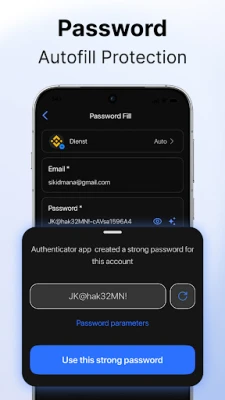
Built-in Password Storage
Authenticator also includes a dedicated section for storing your website and app login details. You can easily create, edit, copy, or delete credentials, providing you with convenient access while keeping everything organized and secure.
Private In-App Browser
Sign in to your accounts using the app's built-in browser, designed with privacy in mind. This browser does not save browsing history, logs, or cookies, minimizing traces when accessing sensitive accounts and enhancing your overall security.
Clear Settings and Simple Controls
Customize the app's functionality through its clean and intuitive settings. You can manage security options and app behavior with full visibility, ensuring you always know which features are active and how they contribute to your security.
Conclusion: Elevate Your Security with Authenticator
In an era where online threats are increasingly sophisticated, using an authenticator app is a vital step in protecting your digital life. With its comprehensive features, user-friendly interface, and compatibility with numerous platforms, Authenticator stands out as a premier choice for anyone serious about security. Start using Authenticator today and take control of your online safety.
For more information, please review our Privacy Policy and Terms of Use.
Rate the App
User Reviews















Popular Apps










Editor's Choice









