

Latest Version
May 18, 2026
miniOrange Security
Tools
Android
0
Free
com.miniorange.android.authenticator
Report a Problem
More About Authenticator
Enhance Security with miniOrange Authentication Service: A Comprehensive Guide
In today's digital landscape, ensuring robust security measures is paramount. The miniOrange Authentication Service (MAS) stands out as a reliable solution for implementing Second Factor Authentication (2FA). This article delves into the various authentication methods supported by miniOrange, highlighting their significance in fortifying your security protocols.
Understanding Second Factor Authentication
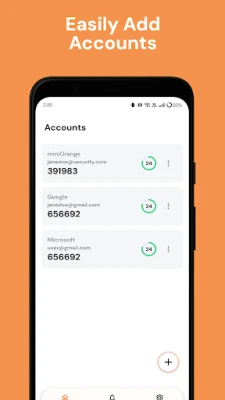
Second Factor Authentication adds an extra layer of security beyond just a username and password. By requiring a second form of verification, it significantly reduces the risk of unauthorized access. miniOrange Authentication Service offers a variety of methods to cater to different security needs.
1. One Time Passcode (OTP) via SMS and Email
One of the most widely used methods for 2FA is the One Time Passcode (OTP). With miniOrange, users receive a unique code via SMS or email, which they must enter to complete the login process. This method is not only user-friendly but also highly effective in preventing unauthorized access.
2. Software Tokens
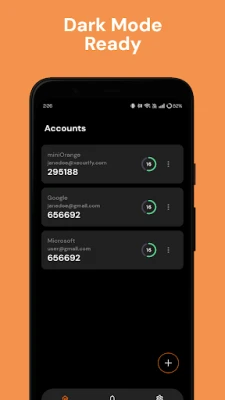
Software tokens provide a secure way to generate time-sensitive codes directly on a user’s device. miniOrange supports various software token applications, allowing users to authenticate seamlessly. This method enhances security by ensuring that the token is only accessible on the user’s device, making it difficult for attackers to intercept.
3. Hardware Tokens
For organizations seeking an even higher level of security, hardware tokens are an excellent choice. These physical devices generate unique codes that users must enter during the authentication process. miniOrange integrates with various hardware token solutions, providing a robust option for sensitive environments where security is critical.
4. Push Notifications
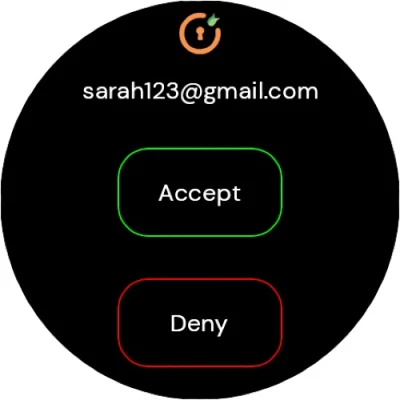
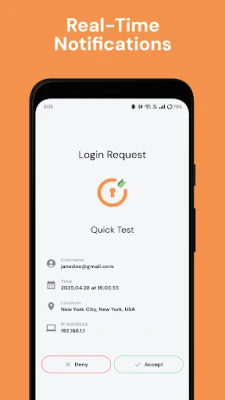
Push notifications offer a modern and convenient approach to 2FA. With miniOrange, users receive a notification on their mobile device prompting them to approve or deny a login attempt. This method not only streamlines the authentication process but also allows users to monitor their account activity in real-time.
5. Mobile Authentication through QR Code Scanning
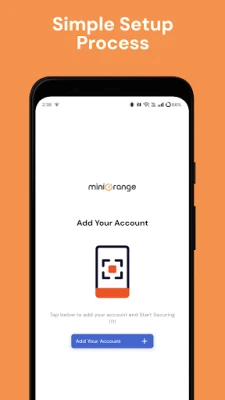
Mobile authentication using QR codes is an innovative method that enhances user experience while maintaining security. Users can scan a QR code presented during the login process with their mobile device, which then verifies their identity. This method is particularly useful for users who prefer a quick and efficient way to authenticate without entering codes manually.
Why Choose miniOrange Authentication Service?
miniOrange Authentication Service is designed to meet the diverse needs of businesses and individuals alike. Its flexibility in supporting multiple authentication methods ensures that users can select the option that best fits their security requirements. Additionally, miniOrange provides a user-friendly interface, making it easy for both administrators and end-users to navigate the authentication process.
Conclusion
In an era where cyber threats are increasingly sophisticated, implementing a robust authentication system is essential. The miniOrange Authentication Service offers a comprehensive suite of methods for Second Factor Authentication, including OTPs, software and hardware tokens, push notifications, and mobile authentication through QR codes. By adopting these security measures, organizations can significantly enhance their defenses against unauthorized access and protect sensitive information.
Investing in miniOrange Authentication Service not only safeguards your digital assets but also instills confidence in your users, knowing that their data is secure. Embrace the future of security with miniOrange and ensure that your authentication processes are both effective and efficient.
Rate the App
User Reviews















Popular Apps










Editor's Choice









