

Latest Version
May 26, 2026
Nexora Universe
Tools
Android
0
Free
com.call.name.anouncer.contacts.backupnumbers.messagesrecovery
Report a Problem
More About All Contacts Backup & Restore
Ultimate Guide to Contacts Backup, Caller Name Announcer, and Message Recovery
In today's fast-paced digital world, keeping your contacts and messages secure is more important than ever. Whether you're switching devices, recovering lost data, or simply want to stay organized, having the right tools can make all the difference. This article explores essential features like contacts backup and restore, caller name announcer, and deleted messages recovery, ensuring you never miss a beat.
Secure Contacts Backup and Restore
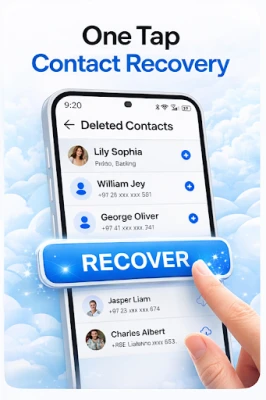
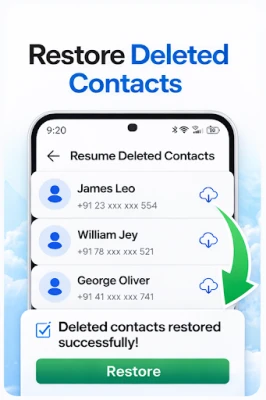
Backing up your contacts is crucial for maintaining your phonebook's integrity. With our advanced contacts backup and restore tool, you can easily save all your numbers in a single, secure file. This feature is particularly useful when you need to:
- Restore deleted contacts
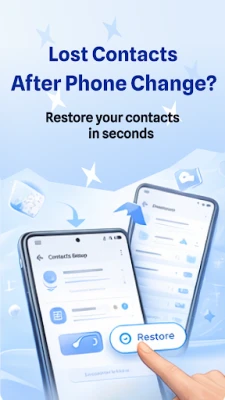
- Transfer contacts to a new phone
- Create a Google Contacts backup
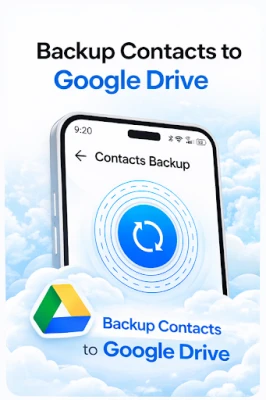
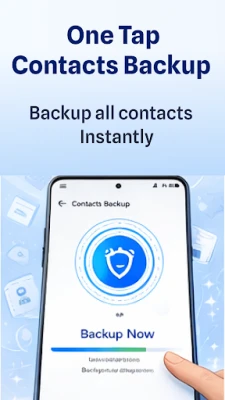
With just one tap, you can back up all your contacts to Google Drive safely. This ensures that your information is not only secure but also easily accessible whenever you need it. The process is fast, reliable, and user-friendly, making it an essential tool for anyone looking to safeguard their contact information.
Caller Name Announcer: Stay Informed Hands-Free
Imagine driving or working and not being able to check your phone for incoming calls. Our caller name announcer app solves this problem by speaking the name of incoming callers aloud. This feature is perfect for:
- Hands-free operation while driving
- Busy moments when you can't look at your phone
The call name speaker announces caller ID in real-time, allowing you to decide whether to answer or ignore a call without needing to glance at your device. You can also personalize your experience with various caller themes and voice options, making every call unique and tailored to your preferences.
Deleted Messages Recovery & Message Backup
Never miss an important message again! Our deleted messages recovery feature allows you to view and restore texts that have been deleted by senders. This functionality is invaluable for:
- Recovering deleted WhatsApp messages instantly from notifications
- Viewing deleted Instagram chats even after they disappear
- Storing all notifications within your phone for easy access
- Maintaining a chat history backup for various messaging platforms
All recovered messages are stored within the application, enabling you to read them later, even if the sender deletes them. With this app, your notification history transforms into a personal message backup tool, ensuring you never lose important conversations.
Frequently Asked Questions
Q1: How do I recover deleted WhatsApp messages?
You can easily recover deleted messages on WhatsApp using our notification history recovery feature.
Q2: Can I recover deleted Instagram chats?
Yes! Our deleted messages recovery app allows you to restore Instagram chats deleted from notifications.
Q3: How can I back up my contacts?
Simply open the contacts backup section in the app and choose “Backup to Google Drive.”
Q4: Can I restore deleted contacts?
Absolutely! With our contacts backup and restore option, you can restore from Google Drive anytime.
Q5: Does the caller name announcer work hands-free?
Yes, the call announcer app works automatically and speaks the caller's name aloud.
Q6: How can I change my incoming caller theme?
You can personalize calls with multiple caller themes and styles inside the app.
Download the Ultimate Backup and Recovery App Today!
Don't wait until it's too late! Download the Call Name Announcer & Backup app today and enjoy peace of mind knowing your contacts and messages are secure. With its user-friendly interface and powerful features, staying organized has never been easier.
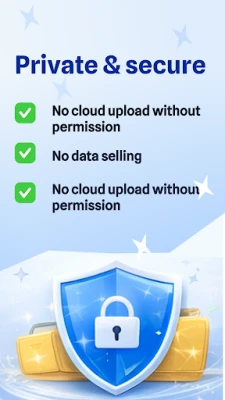
Disclaimer: This app uses notification access to recover deleted messages and provides the option to back up contacts to your Google Drive. It does not collect or share your personal information.
Rate the App
User Reviews















Popular Apps










Editor's Choice









