
Latest Version
2.0.2
June 12, 2026
KhmerRun
Education
Android
0
Free
com.khm3rrun.abc123kid.free
Report a Problem
More About ABC 123 Kid - Learning ABC 123
Unlock Your Child's Writing Potential: A Comprehensive Guide to Learning Letters, Numbers, and Words
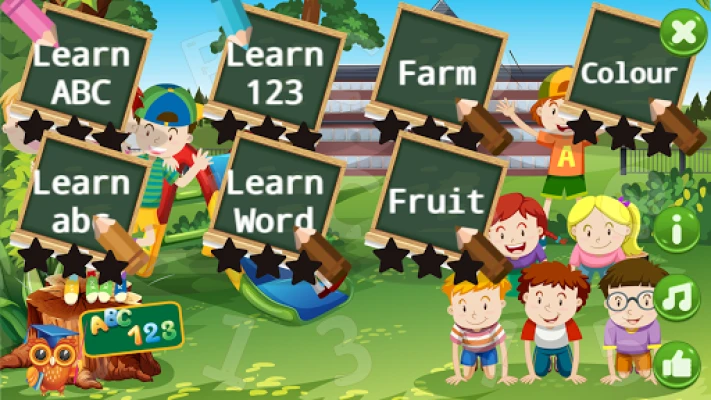
In today's digital age, fostering early literacy skills in children is more important than ever. Our innovative application is designed to assist young learners in mastering uppercase and lowercase letters, numbers, and essential vocabulary related to farm life, fruits, vegetables, and colors. Each writing exercise is accompanied by engaging illustrations, making the learning process both fun and effective.
Mastering the Alphabet: Learn ABC
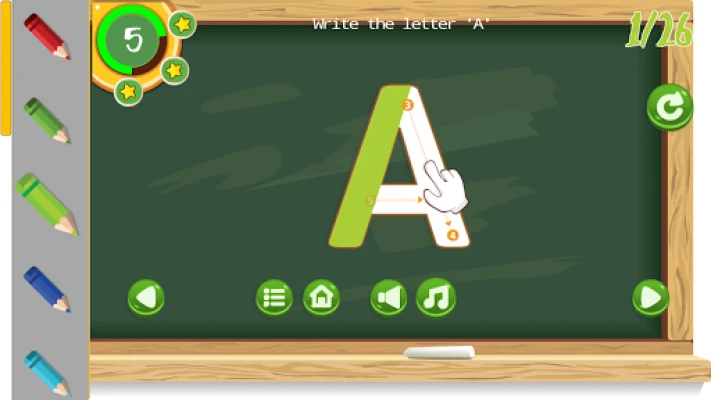
The "Learn ABC" section of our application provides a structured approach for children to practice writing capital letters from A to Z. Each letter is presented with clear guidance on where to start and how to form each character. This interactive experience not only enhances writing skills but also builds confidence as children see their progress.
Lowercase Letters Made Easy: Learn abc
In the "Learn abc" section, children can focus on writing lowercase letters from a to z. This segment mirrors the uppercase practice, ensuring that kids receive comprehensive instruction on both letter forms. The application offers step-by-step guidance, making it easy for young learners to touch and write each letter accurately.
Numbers 0 to 10: Learn 123
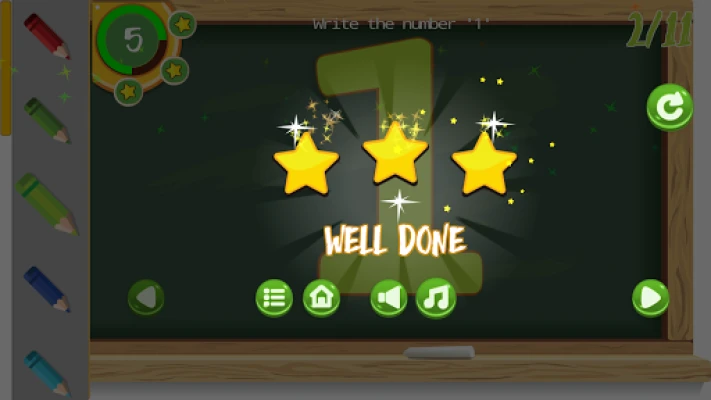
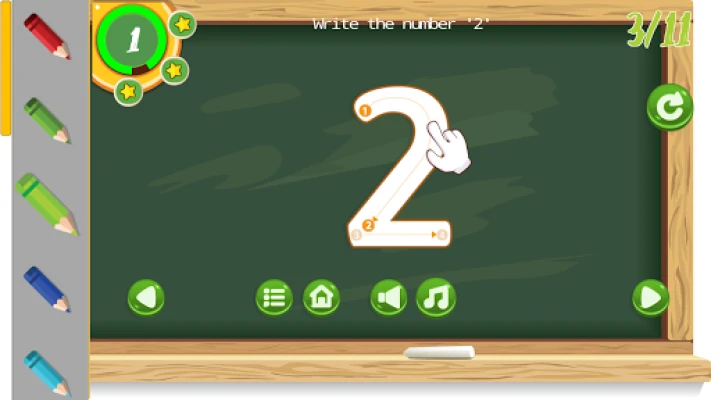
Understanding numbers is a fundamental skill for early learners. The "Learn 123" section helps children practice writing numbers from 0 to 10. With intuitive instructions and engaging visuals, kids will find it easy to grasp numerical concepts while developing their writing abilities.
Expanding Vocabulary: Learn Word
The "Learn Word" feature introduces children to a variety of words, focusing on 26 essential terms that correspond to the alphabet. Each word is carefully selected to enhance vocabulary and writing skills. The application provides clear instructions on how to touch and write each word, ensuring a smooth learning experience.
Exploring the Farm: Farm Vocabulary
In the "Farm" section, children will discover a range of vocabulary related to farm life, including animals and common farm-related terms. Each writing exercise is paired with vibrant illustrations, making it easier for kids to connect words with their meanings. This interactive approach not only aids in writing but also enriches their understanding of the world around them.
Fruits and Vegetables: A Colorful Learning Experience
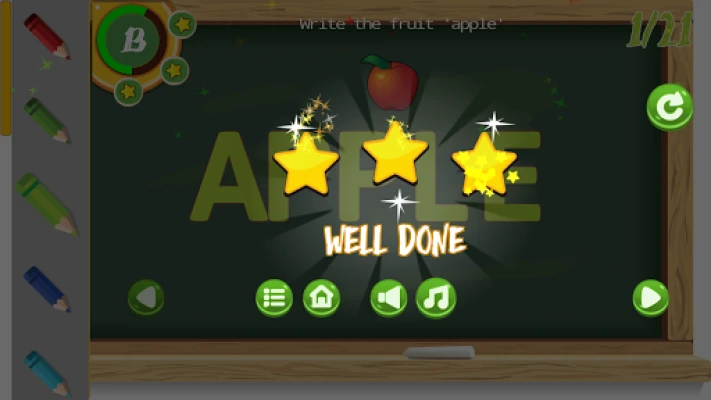
The "Fruit & Vegetable" section introduces children to the names of various fruits and vegetables, such as apple, broccoli, cherry, and pumpkin. Each word is accompanied by an illustration, helping kids visualize what they are writing. This engaging format encourages children to explore healthy eating while honing their writing skills.
Understanding Colors: A Vibrant Learning Tool
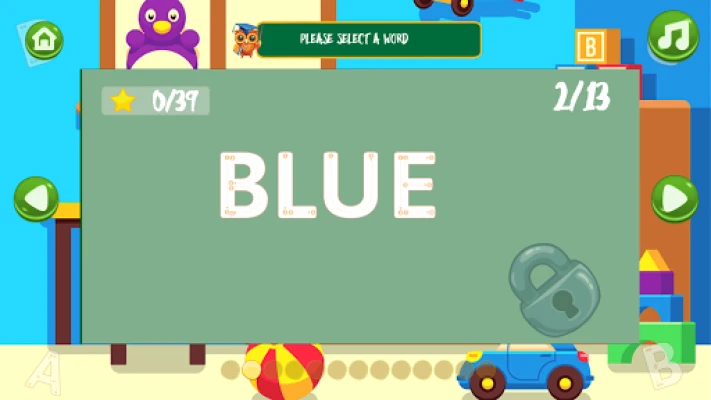
In the "Color" section, children can learn to write the names of 13 different colors, including black, blue, green, and red. Each color is presented with a visual representation, allowing kids to see what each color looks like as they practice writing. This not only enhances their vocabulary but also helps them develop a keen eye for colors in their environment.
Enhanced Learning with Text-to-Speech Technology
Our application incorporates Google Text-to-Speech technology, providing an auditory component to the learning experience. While the voice quality may not be perfect, it is clear and understandable, offering an additional layer of support for young learners. We are committed to continually improving this feature to enhance user experience.
Commitment to Accessibility: Always Free
We believe that every child should have access to quality educational resources. That’s why our application is completely free and will remain so. We aim to provide a valuable tool for parents and educators to help children learn basic writing skills from the comfort of home.
Minimal Distractions: User-Friendly Interface
To ensure a seamless learning experience, we have included only a small banner ad at the bottom of the screen. This placement is designed to minimize distractions and maintain focus on the writing exercises. Our goal is to create an environment where children can thrive in their learning journey.
Optimal Device Recommendation
For the best experience, we recommend using this application on a tablet rather than a phone. The larger screen size allows for easier navigation and more comfortable writing practice, making it an ideal choice for young learners.
Feedback and Future Updates
Your feedback is invaluable to us. If you enjoy using our application, please take a moment to leave a review. Your insights will help us make future updates even better, ensuring that we continue to meet the needs of young learners and their families.
In conclusion, our application is a comprehensive tool designed to help children develop essential writing skills in a fun and engaging way. With a focus on letters, numbers, and vocabulary, we are committed to supporting early literacy and making learning accessible for all.
Rate the App
User Reviews















Popular Apps










Editor's Choice









